iPhone's Hidden Security Vulnerability: The Control Center and Preventing Theft
The iPhone's Control Center, often overlooked, holds a critical key to your device's security, especially when locked. Understanding its functions and a simple setting adjustment can significantly deter theft and protect your personal data. This article delves into how a seemingly innocuous feature can be exploited by thieves and provides essential steps to safeguard your iPhone, transforming a potential vulnerability into a powerful defense.
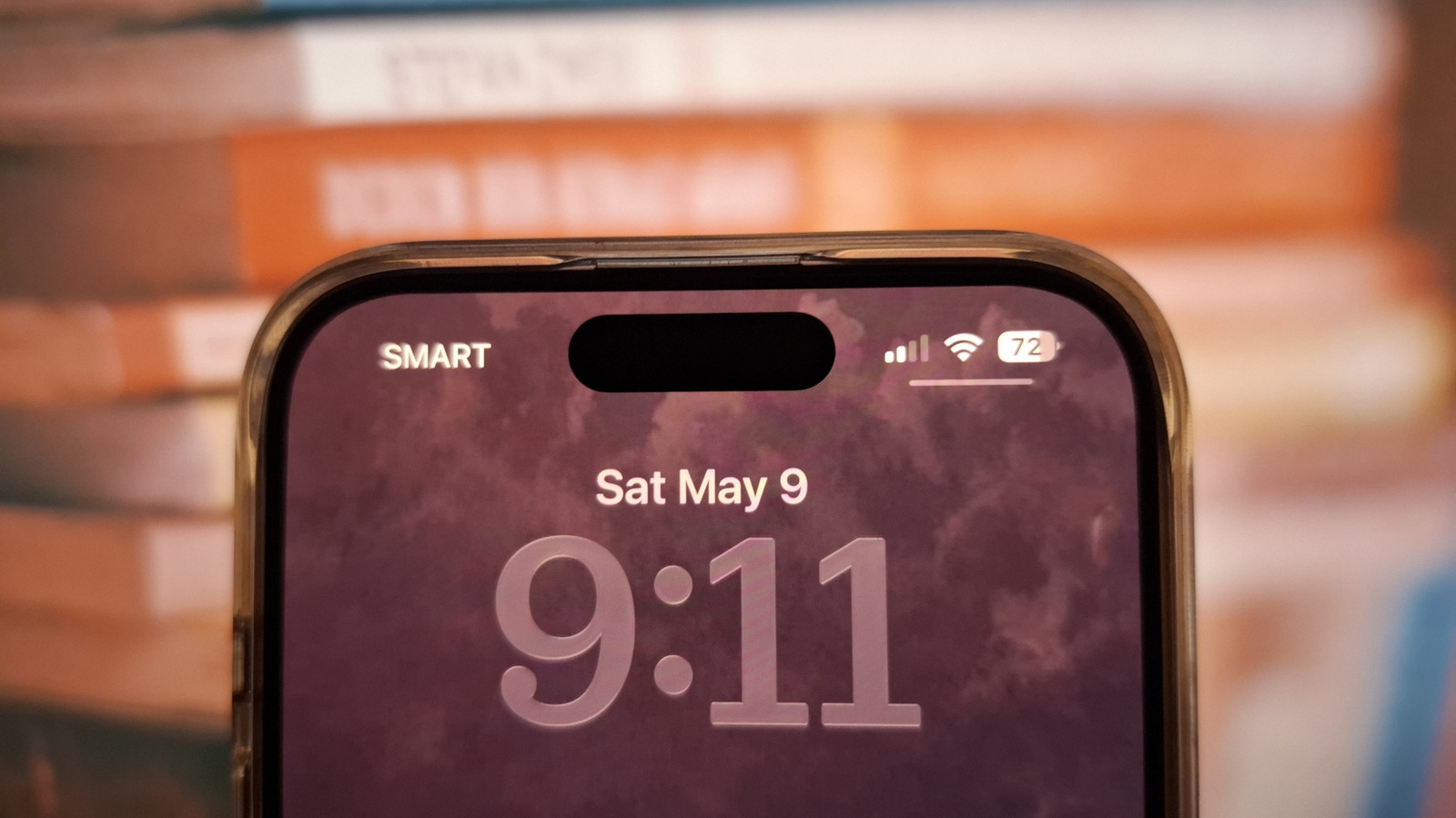
In an era where our smartphones are extensions of ourselves, holding everything from banking details to cherished memories, their security is paramount. Yet, a seemingly innocuous feature on your iPhone, the Control Center, often accessed with a casual swipe, harbors a critical vulnerability that thieves are increasingly exploiting. This isn't just about convenience; it's about safeguarding your digital life from sophisticated criminals who understand the nuances of Apple's ecosystem better than many users.
For years, the Control Center has been lauded as a triumph of user interface design, offering instant access to essential functions like Wi-Fi, Bluetooth, flashlight, and camera, even when the phone is locked. Its utility is undeniable, but this very accessibility becomes a double-edged sword when your iPhone falls into the wrong hands. A simple adjustment, often overlooked, can transform this potential security flaw into a robust defense against theft and data compromise. PulseWorld investigates how this feature works, its inherent risks, and the crucial steps every iPhone user should take to protect their device.
The Dual Nature of Convenience: Control Center's Role
The Control Center, introduced with iOS 7 in 2013, revolutionized how users interacted with their iPhones. Before its advent, adjusting settings often meant navigating through multiple layers of menus. Control Center consolidated these frequently used toggles and shortcuts into a single, easily accessible panel. Its design philosophy was clear: enhance user experience through immediate access. Whether you needed to quickly turn on Airplane Mode, adjust screen brightness, or launch the calculator, a swipe from the top-right corner (or bottom for older models) brought these options to your fingertips, even from the lock screen.
This 'always-on' accessibility, however, inadvertently created a loophole for thieves. Imagine your iPhone is stolen. The first thing a savvy thief will do is attempt to disable its tracking capabilities. With Control Center accessible from the lock screen, they can instantly toggle on Airplane Mode, cutting off cellular data, Wi-Fi, and GPS signals. This renders your iPhone untraceable via Find My iPhone and prevents remote wiping or locking. Once offline, the device becomes a black box, giving the thief precious time to bypass security measures or resell the device before you can react. The statistics are stark: according to a 2023 report by the National Insurance Crime Bureau, smartphone theft remains a significant problem, with millions of devices reported stolen annually, many of which are iPhones. The ability to quickly disable tracking is a primary enabler for these crimes.
The 'Find My' Dilemma: Why Disabling Control Center Matters
Apple's Find My network is a powerful tool designed to help users locate lost or stolen devices. It leverages a vast network of Apple devices to anonymously ping the location of your missing iPhone, even if it's offline. However, this sophisticated system is rendered useless if a thief can immediately put the device into Airplane Mode via the lock screen Control Center. The moment the phone goes offline, its last known location is all you have, and the window for recovery rapidly shrinks.
Consider the implications: a thief snatches your phone. Within seconds, they swipe up, tap the Airplane Mode icon, and your device vanishes from the digital map. This isn't just about losing a gadget; it's about losing access to your digital identity. Many users store sensitive information, from banking apps to personal photos, on their devices. While strong passcodes and Face ID/Touch ID offer protection, the immediate loss of tracking capability significantly reduces the chances of recovery before a more determined criminal can attempt to bypass these layers of security. The psychological impact of losing such a personal device, coupled with the potential for identity theft, is immense.
A Simple Fix: Reclaiming Control Over Your Control Center
The good news is that Apple, recognizing this potential vulnerability, provides a straightforward solution: you can disable Control Center access from the lock screen. This simple setting change is arguably one of the most impactful security measures an iPhone user can take, yet it remains surprisingly underutilized. The process is quick and requires no technical expertise.
To disable Control Center access from the lock screen:
* Go to Settings. * Scroll down and tap on Face ID & Passcode (or Touch ID & Passcode on older models). * Enter your passcode. * Scroll down to the section titled "ALLOW ACCESS WHEN LOCKED." * Toggle off Control Center.
Once disabled, attempting to swipe down (or up) from the lock screen will no longer bring up the Control Center. This means a thief, even with physical possession of your phone, cannot easily put it into Airplane Mode or disable other critical functions like Wi-Fi or cellular data. Your iPhone will remain online, allowing Find My iPhone to continue tracking its location, giving you a much greater chance of recovery. This small adjustment significantly increases the time a thief would need to render your device untraceable, potentially making it less appealing as a target.
Beyond the Lock Screen: A Holistic Approach to iPhone Security
While disabling Control Center access from the lock screen is a crucial step, it's part of a broader strategy for iPhone security. No single measure is foolproof, but a layered approach significantly enhances protection. Here are additional recommendations:
* Strong Passcode: Always use a complex alphanumeric passcode, not a simple 4-digit PIN. Face ID and Touch ID are convenient, but a strong passcode is your ultimate fallback. * Enable Find My: Ensure Find My iPhone is activated. Go to Settings > [Your Name] > Find My > Find My iPhone, and make sure "Find My iPhone" and "Send Last Location" are enabled. * Two-Factor Authentication (2FA): Protect your Apple ID with 2FA. This prevents unauthorized access to your account, even if a thief somehow obtains your password. * Regular Backups: Back up your iPhone regularly to iCloud or your computer. This ensures that even if your device is lost or stolen, your precious data is safe and can be restored to a new device. * Be Aware of Your Surroundings: The best security measure is prevention. Be mindful of your phone in public places and avoid displaying it unnecessarily in high-risk areas. * Report Theft Immediately: If your iPhone is stolen, report it to the police and your carrier immediately. Your carrier can blacklist the device, rendering it useless on their network.
The Future of Mobile Security: Balancing Convenience and Protection
As technology evolves, so do the methods of those who seek to exploit it. The case of the Control Center highlights the delicate balance between user convenience and robust security. Apple, like all tech giants, continually refines its operating systems to address emerging threats. Features like Stolen Device Protection, introduced in iOS 17.3, add another layer of defense by requiring Face ID or Touch ID for sensitive actions (like changing Apple ID password or turning off Find My) when the iPhone is away from familiar locations. This innovation directly tackles the issue of a thief gaining access to a device and attempting to lock the owner out.
The lesson here is clear: users must remain vigilant and proactive in managing their device settings. The power of a smartphone comes with the responsibility of securing it. By understanding features like the Control Center and taking a few moments to adjust settings, iPhone users can significantly reduce their vulnerability to theft and protect their invaluable digital lives. In a world increasingly reliant on mobile technology, informed users are the first line of defense against digital crime. Stay informed, stay secure, and take control of your Control Center.
Stay Informed
Get the world's most important stories delivered to your inbox.
No spam, unsubscribe anytime.
Comments
No comments yet. Be the first to share your thoughts!